Switching modes
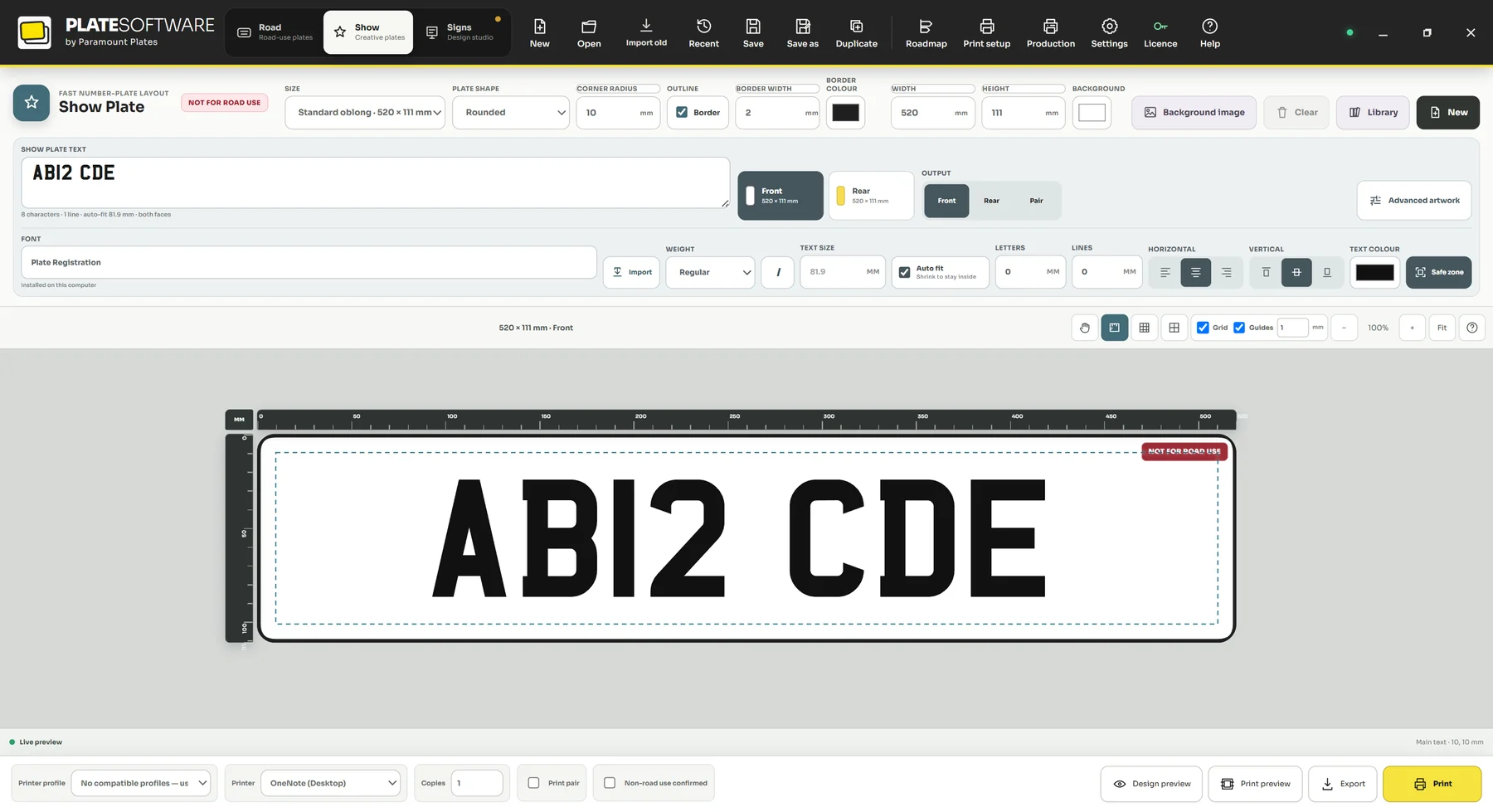
- Build the basics in the fast layout first.
- Click Advanced artwork to move the design into the full editor.
- Use the tool rail on the left to add text, boxes, circles, lines, shapes and images.
- Select any object to edit its position, size, rotation, opacity, typography and appearance in the Properties panel.
- Use Layers to reorder, lock and hide elements.
Saving work you will reuse
Save a finished design as a template from the Library so the next customer who asks for the same thing takes a minute rather than ten.
Did this not answer your question? Email support@platesoftware.co.uk and tell us what you were trying to do.